
English language proficiency scores come back, and they’re full of useful information. But for many classroom teachers, a score like “3.4” doesn’t mean much. A one-page student snapshot can change that.
What to put on one page
- The student’s name, grade, home language and overall score
- Scores for all four domains (listening, speaking, reading, writing)
- What the student can do at their level, in plain words
- The supports that match their level, for every subject
Color-code the proficiency levels so a teacher can read it in ten seconds.
Teach teachers how to read it
A few minutes in a staff meeting goes a long way:
- What a score like 3.4 means: the first number is the level, and the second shows progress within it.
- Look at the lowest domain. A student who speaks well but reads at Level 2 still needs reading support in science and social studies.
- Match supports to the level. Word banks and visuals for Levels 1–3, sentence starters for higher levels.
Use it all year
Share the snapshot at the start of the year, bring it to student support meetings, and update it when new scores arrive.
If you want it ready to go
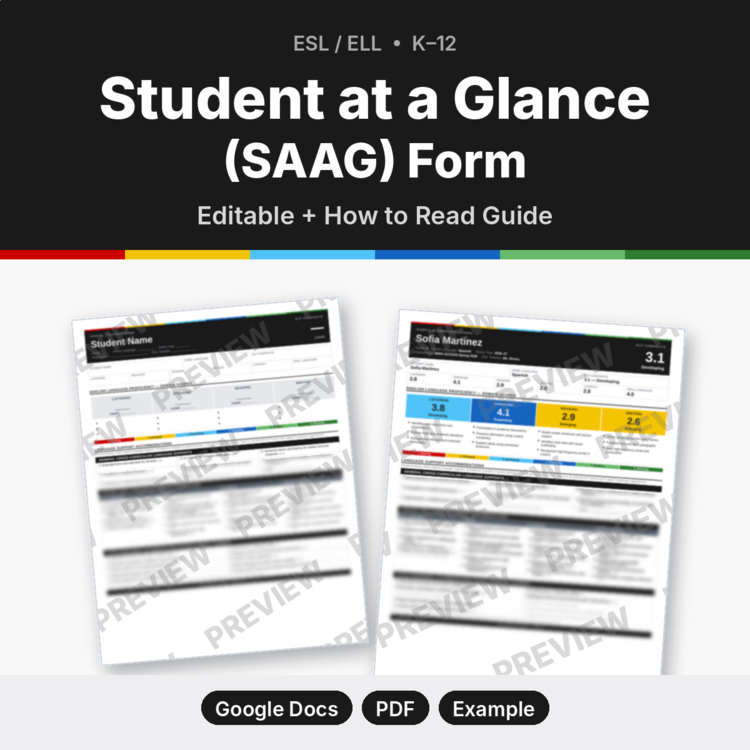
My ESL Student at a Glance (SAAG) Form is an editable one-page profile (opens in Google Docs or Word) with a score grid, color-coded domain cards for Levels 1–6, accommodations by content area and level tags. It comes with a completed example and a How to Read guide for general education teachers. Official Can Do Descriptor text isn’t included; you add descriptors from your own copies.
Not affiliated with or endorsed by WIDA or the Wisconsin Center for Education Research. WIDA and ACCESS are trademarks of the Board of Regents of the University of Wisconsin System.


Leave a Reply